
 Photoshop
 ZBrush
 Houdini
 Unreal Engine
 Substance Painter
 Blender
 Nuke
Nuke Arnold
 KeyShot
 V-Ray
V-Ray Substance Designer
 Mari
Mari Marvelous Designer
 Marmoset Toolbag
 3ds Max
 3DCoat
 Redshift
 After Effects
 Faceform Wrap
 Lightroom
 OctaneRender
 SpeedTree
 Daz 3D
 Agisoft Metashape
 Fusion
 Modo
Modo RealityCapture
 Gaea
Gaea Cinema 4D
 Gravity Sketch
 Premiere
 Procreate
 Substance 3D Modeler
 Katana
 Mudbox
 Krita
Krita World Creator
 Yeti
Yeti Ziva VFX
 SketchBook
 Quixel DDO
 Mixamo
 Natron
 Quixel Bridge
 Quixel Megascans
 Adobe Medium
 Quixel Mixer
 SynthEyes
 Clip Studio Paint
 SketchUp
 Unity
Unity Gaffer
 Massive
 Materialize
 Ornatrix
 PreForm
 Corel Painter
 Moi 3D
 QuickTime
 Storyboard Pro
 TreeIt
 animBot
 ReCap
ReCap Meshmixer
 DaVinci Resolve
 World Machine
 xNormal

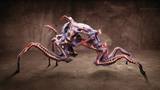
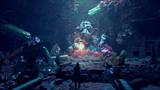


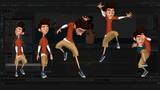


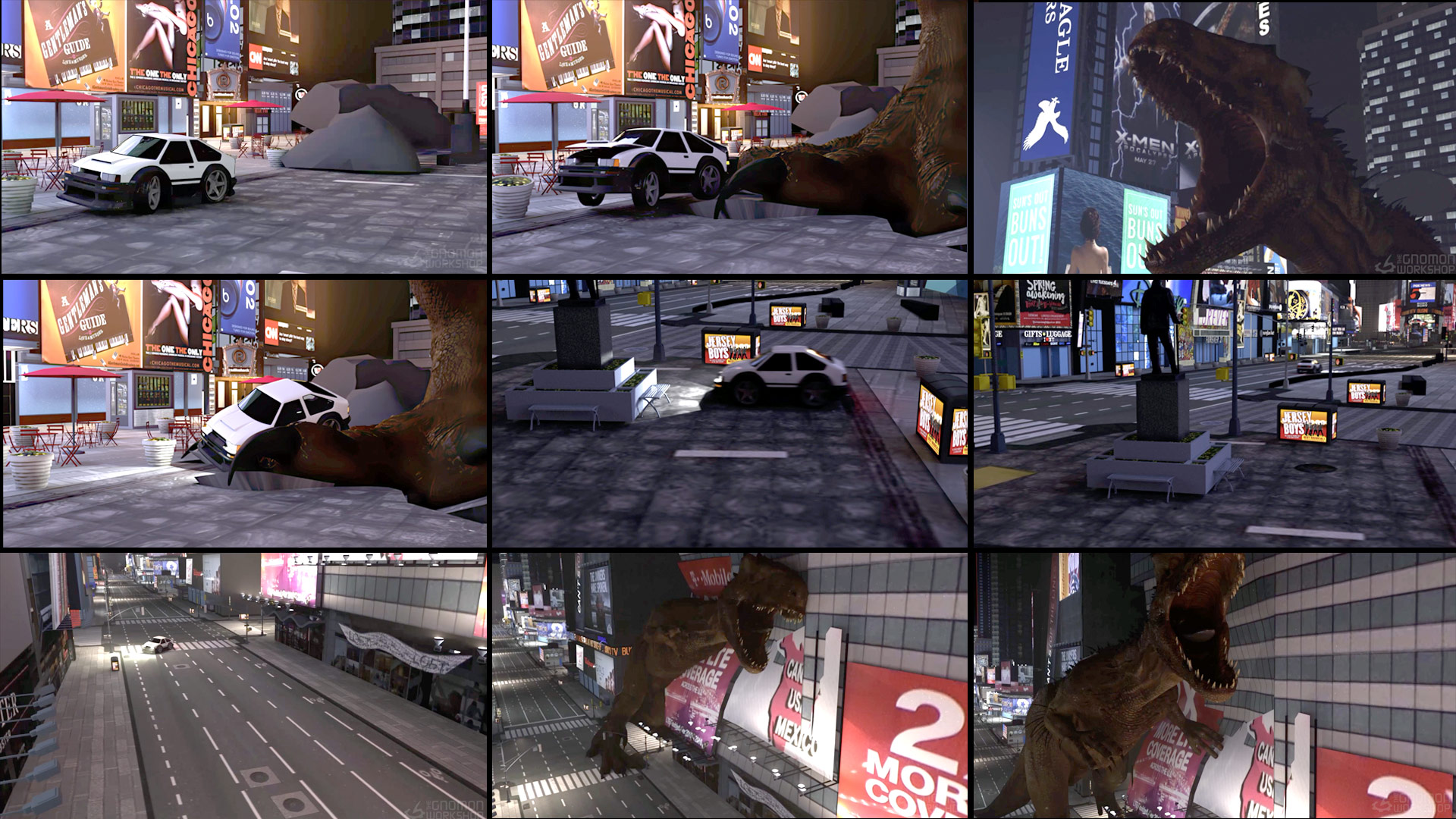


Learn how physics principles affect animation, minus the tedious calculations. Wolfgang Haas covers the basics of cinematic principles that affect animators’ work, from camera angles and their meaning to cinematic rules that can help shots work better in the final cut.
In this 3.5-hour workshop, Wolfgang uses Maya to plan and animate an action scene, showing how understanding these principles can help artists improve their animations; with a grasp of the physics and basics, there is less need to rely on gut feelings when animating.
Wolfgang’s teachings are supported by a collection of tips and best practices, drawn from his experience as an animator and rigger with over 20 years of industry experience. He aims for his lessons to reach every animator, from junior level upward.
His lessons cover shot layout, camera animation, and offer extensive tips on different types of spline animation, shot-level finaling of deformations, and even creating small rigs and expressions to help animators finish tedious tasks faster. Throughout the workshop, he also explains how to get more out of Maya's tools.
Included with Wolfgang’s workshop is a small script for creating splines for animation paths (discussed in Lesson 5).
Wolfgang also uses several rigs and models throughout the workshop, including Truong CG Artist’s Irex Dinosaur Maya Rig, Golukumar’s Full Gameready City Buildings [retextured] and Cyperpunk City, Wallon’s Cartoon Car, and Kenchoo’s Ostrich model (used as a reference). These assets are used as a guide; the techniques showcased can be applied to any assets.
10 Lessons
Wolfgang Haas introduces his workshop by setting the stage for the practical, experience-driven animation lessons that follow. His goal is not to teach basic animation techniques, but rather to help intermediate-to-advanced animators work more efficiently by understanding and intentionally applying physical forces to their animations. This workshop balances theory and hands-on practice, enriched by real industry insights.
Duration: 4m

In this lesson, Wolfgang bridges the gap between physics and animation by explaining how real-world forces — gravity, inertia, momentum, friction, and collisions — directly inform believable character and object motion. Rather than requiring animators to perform complex calculations, the goal is to build an intuitive understanding of why things move the way they do. With this foundation, animators can make more informed, confident decisions and rely less on guesswork when crafting realistic or stylized motion.
Duration: 31m 7s

This lesson provides a thorough, practical workflow for sourcing and setting up animation reference footage, blending scientific reasoning with hands-on technical instruction in Maya. Wolfgang’s key lesson emphasizes how finding the right reference requires both creative problem-solving and analytical thinking, especially when animating creatures that no longer exist. By properly synchronizing and aligning multiple reference sources, animators can build a strong foundation before setting a single keyframe on the character.
Duration: 26m 14s

This lesson provides a comprehensive introduction to cinematic techniques and their practical application in 3D animation. By grounding filmmaking theory in real-world rules and storytelling conventions, Wolfgang equips animators with the foundational knowledge needed to make intentional, effective camera and compositional choices. The overarching lesson is that deep understanding of filmmaking enhances animation quality, and animators should always consider their shots within the broader context of the edit.
Duration: 19m 45s

This second part provides a comprehensive walkthrough of professional-level scene layout and camera animation techniques in Maya, balancing technical precision with practical production awareness. Wolfgang emphasizes that good layout work serves as a reliable guideline for animation, effects, and other departments downstream in the pipeline. By following best practices in asset management, camera setup, and shot organization, animators can save significant time and avoid costly production errors.
Duration: 33m 54s

This lesson provides a comprehensive, practical walkthrough of creating a believable walk cycle for a massive creature, emphasizing that physics knowledge and disciplined workflow are just as important as technical animation skills. Wolfgang candidly shares the mistakes he made during the process, reinforcing that an iterative, layered approach saves time and produces better results. The key takeaway is that conveying convincing weight and scale requires deliberate, physics-informed decisions at every stage of animation.
Duration: 25m 16s

This lesson demonstrates the complexity behind animating even a relatively straightforward walking shot, revealing how professional animators blend technical problem-solving with artistic judgment. Wolfgang emphasizes that the goal is to make animation look compelling on camera — even if that means bending technical accuracy. His workflow prioritizes flexibility and non-destructive editing, allowing continuous refinement throughout the process.
Duration: 11m 7s

This lesson provides a comprehensive breakdown of how animators can communicate massive weight and physical force through indirect visual cues when the full character body isn't visible. By combining physics principles, deformation techniques, environmental reactions, and procedural rigging tools, Wolfgang demonstrates that believable weight is less about realism and more about purposeful exaggeration. His lesson emphasizes that great animation requires both technical knowledge and a deep understanding of how audiences intuitively perceive the physical world.
Duration: 25m 16s

This final animation chapter effectively combines technical rigging knowledge with practical character animation principles, demonstrating how math-driven automation and hand-keyed artistry complement each other in production. Wolfgang’s candid commentary — including workflow mistakes, time estimates, and honest opinions about postvis expectations — ensures the lesson is both educational and realistic. The overarching lesson is that good animation requires constant iteration, reference gathering, and the wisdom to know when to automate and when to animate by hand.
Duration: 29m 33s

This closing lesson wraps up an animation workshop where Wolfgang openly shares the real-world challenges of 3D rendering, including time constraints and production costs. His practical tips — such as leveraging cloud rendering services and adapting scenes to night settings — offer valuable, honest insights for aspiring animators. His transparency about the learning process throughout the workshop helps other artists feel relatable and grounded in real production experience.
Duration: 2m 11s

Primary tools
For this workshop you’ll need:

* Note that these programs and materials will not be supplied with the course.
Project Files
When you download the project files accompanying this workshop, you'll get access to Wolfgang’s script for creating splines for animation paths. Inside, you’ll find:
- Script file — a small script created by Wolfgang for creating curves from an animated object in Maya (featured in Lesson 5).
Skills Covered
Who’s this Workshop for?
This workshop is aimed at animation artists. I am not covering any animation basics, so while the lecture parts can also be interesting for beginners, on the parts where I am showing working in Maya I assume a basic knowledge of animation workflows.
I think this workshop will probably be most beneficial to intermediate animators, who want to see the bigger picture on physical and cinematic principles that are having an effect on animation, as well maybe picking up some insights and best practices on how to get their stuff done faster.
Learning Outcomes
By completing this workshop, artists will have a solid understanding of the physical and cinematic principles that affect animators’ work and help achieve studio-quality results.
Key skills include:
- Understanding the physical principles that affect both cartoon and VFX animation.
- Utilizing camera animation best practices to improve animation workflows.
- Using camera angles and their cinematic meaning for creating better shots.
- Understanding the cinematic principles and rules that are important for all animators.
- Applying extensive spline animation tips and tricks for more efficient animations.
- Adjusting assets to make animation scenes look more believable.
- Applying industry insights to animations to achieve production-quality results.
- Understanding Maya's built-in tools that aren't always well known or covered.


